Charts
Chart and data visualization classes. All charts inherit from
VCollection (unless noted) and can be animated, positioned,
and styled like any other object.
PieChart
- class PieChart(values, labels=None, colors=None, cx=960, cy=540, r=240, start_angle=90, creation=0, z=0)
Pie chart built from
Wedgesectors.- Parameters:
values (list) – Numeric values for each sector.
labels (list) – Optional labels placed inside sectors.
colors (list) – Sector fill colors (cycles through defaults if
None).r (float) – Outer radius.
- classmethod from_dict(data, **kwargs)
Create a
PieChartfrom a{label: value}dictionary.
- get_sector(index)
Return the
Wedgeobject at index.
- highlight_sector(index, start=0, end=1, pull_distance=30, easing=there_and_back)
Pull a sector outward to highlight it.
- explode(indices, distance=20, start=0, end=None, easing=smooth)
Permanently shift the given sectors outward.
- animate_values(new_values, start=0, end=1, easing=smooth)
Animate sector angles to reflect new_values.
- add_percentage_labels(fmt='{:.0f}%', font_size=16, color='#fff', creation=0)
Add percentage text inside each sector.
Example: PieChart
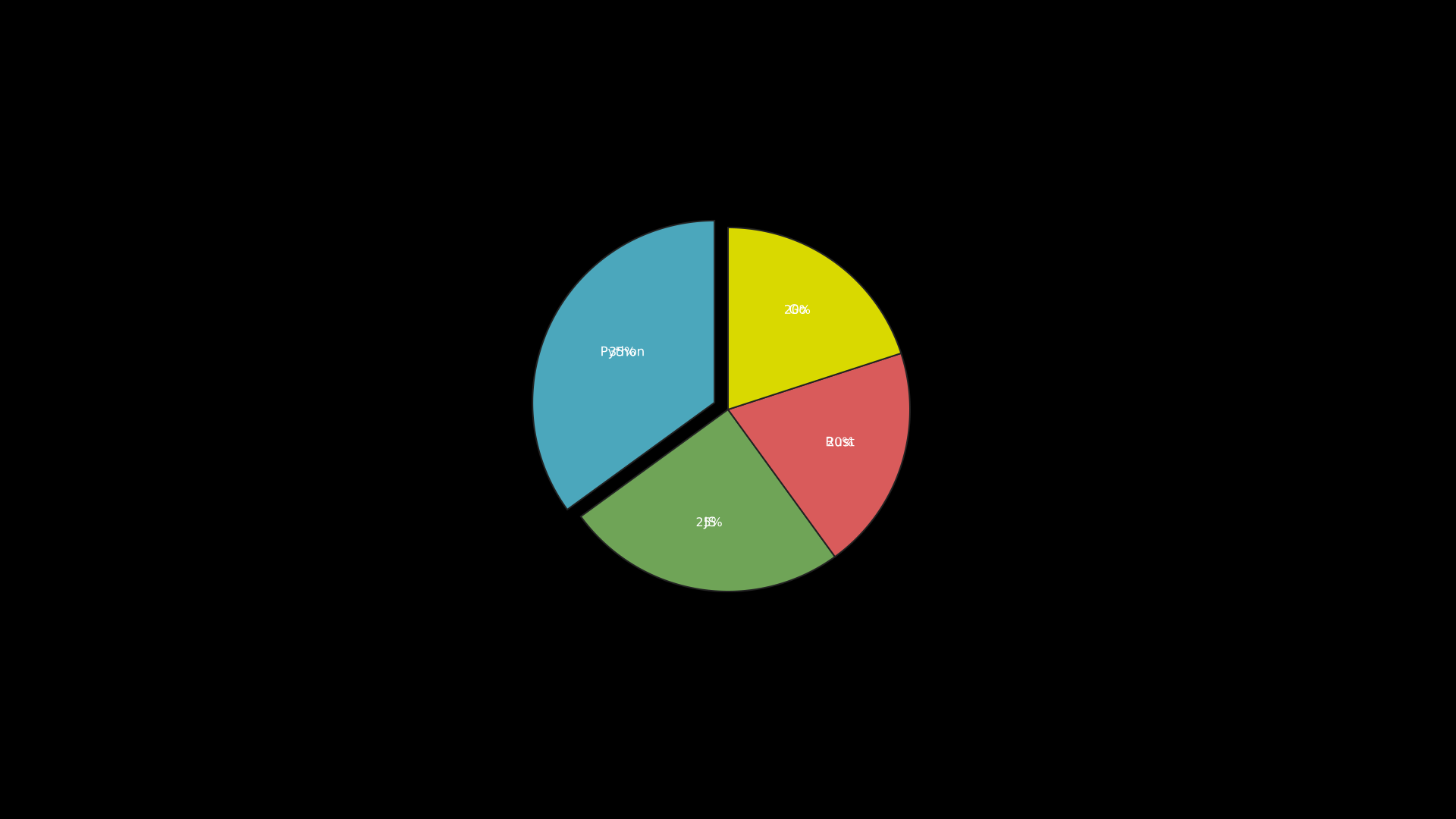
Pie chart with sector highlight.
"""Pie chart with highlighted sector."""
from vectormation.objects import *

v = VectorMathAnim()
v.set_background()

pie = PieChart([35, 25, 20, 20], labels=['Python', 'JS', 'Rust', 'Go'])
pie.add_percentage_labels()
pie.explode([0], distance=20)

v.add(pie)

v.show(end=2)
Example: Animated PieChart
"""Animated pie chart with value transitions."""
from vectormation.objects import *

v = VectorMathAnim()
v.set_background()

pie = PieChart([30, 20, 50], labels=['A', 'B', 'C'])
pie.fadein(start=0, end=1)
pie.animate_values([40, 40, 20], start=2, end=3)

v.add(pie)

v.show(end=4)
DonutChart
- class DonutChart(values, labels=None, colors=None, cx=960, cy=540, r=240, inner_radius=120, start_angle=90, center_text=None, font_size=17, creation=0, z=0)
Donut (ring) chart – a
PieChartwith a hollow center.- Parameters:
inner_radius (float) – Inner ring radius.
center_text (str) – Optional text displayed in the hole.
- classmethod from_dict(data, **kwargs)
Create a
DonutChartfrom a{label: value}dictionary.
- get_sector(index)
Return the
Pathobject for the sector at index.
- highlight_sector(index, start=0, end=1, pull_distance=30, easing=there_and_back)
Pull a sector outward to highlight it.
- animate_values(new_values, start=0, end=1, easing=smooth)
Animate sector paths to new proportions.
Example: DonutChart
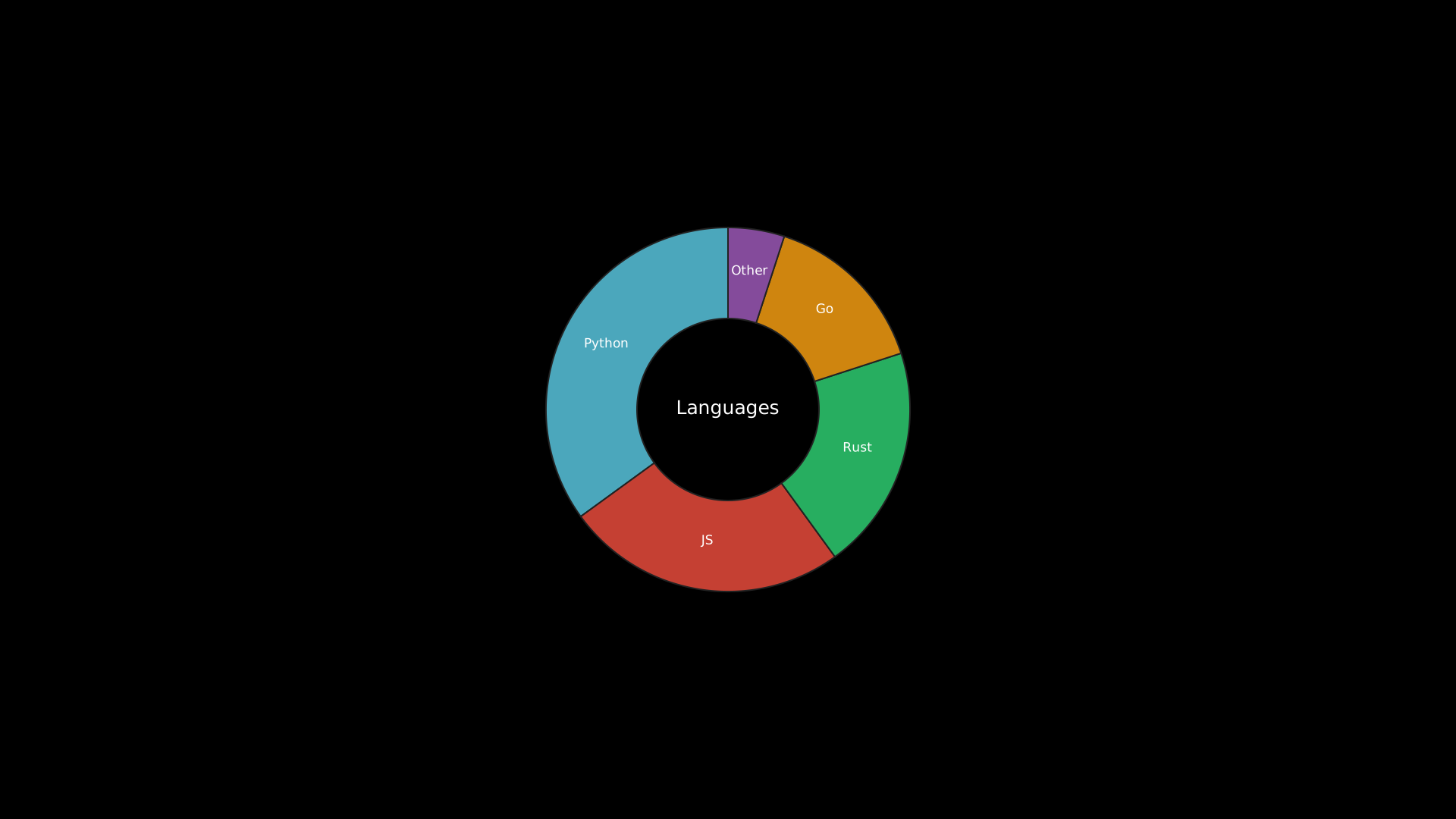
"""DonutChart with sample data."""
from vectormation.objects import *

v = VectorMathAnim()
v.set_background()

chart = DonutChart(
    values=[35, 25, 20, 15, 5],
    labels=['Python', 'JS', 'Rust', 'Go', 'Other'],
    colors=['#58C4DD', '#E74C3C', '#2ECC71', '#F39C12', '#9B59B6'],
    center_text='Languages',
)

v.add(chart)

v.show(end=0)
BarChart
- class BarChart(values, labels=None, colors=None, x=120, y=60, width=1440, height=840, bar_spacing=0.2, creation=0, z=0)
Simple bar chart with a baseline and optional labels.
- Parameters:
values (list) – Numeric bar heights.
labels (list) – Category labels below bars.
bar_spacing (float) – Fraction of bar width used as gap (0–1).
- classmethod from_dict(data, **kwargs)
Create a
BarChartfrom a{label: value}dictionary.
- animate_values(new_values, start=0, end=1, easing=smooth)
Animate bars to new heights.
- set_bar_color(index, color, start=0, end=None, easing=smooth)
Change the fill color of one bar.
- set_bar_colors(colors, start=0)
Set all bar colors at once.
- get_bar(index)
Return the
Rectanglefor bar index.
- get_bars(start_idx=None, end_idx=None)
Return a
VCollectionof bars, optionally sliced.
- highlight_bar(index, color='#FFFF00', start=0, end=None, opacity=None)
Highlight a single bar.
- get_bar_by_label(label)
Return the bar matching a label string, or
None.
- add_value_labels(fmt='{:.0f}', offset=10, font_size=20, creation=0)
Place value text above each bar.
- grow_from_zero(start=0, end=1, easing=smooth, stagger=True, delay=0.1)
Animate bars growing from the baseline.
- get_max_bar()
Return the
Rectanglewith the highest value.
- get_min_bar()
Return the
Rectanglewith the lowest value.
- add_bar(value, label=None, start=0, end=None)
Append a new bar to the right side of the chart.
- remove_bar(index, start=0, end=None)
Remove a bar by index, optionally with a shrink animation.
- animate_sort(key=None, reverse=False, start=0, end=1, easing=smooth)
Smoothly slide bars into sorted order. Alias:
sort_bars.
Example: BarChart
Bar chart growing from zero with sort animation.
"""Bar chart grow and sort."""
from vectormation.objects import *

v = VectorMathAnim()
v.set_background()

bc = BarChart([40, 70, 25, 55, 90], labels=['Q1', 'Q2', 'Q3', 'Q4', 'Q5'],
              colors=['#E74C3C', '#3498DB', '#2ECC71', '#F39C12', '#9B59B6'])
bc.grow_from_zero(start=0, end=1.5)
bc.animate_sort(start=2, end=3.5)

v.add(bc)

v.show(end=4)
RadarChart
- class RadarChart(values, labels=None, max_val=None, colors=None, cx=960, cy=540, radius=250, font_size=16, fill_opacity=0.3, creation=0, z=0)
Radar (spider) chart. Requires at least 3 values.
- Parameters:
values (list) – Data values, one per axis.
labels (list) – Axis labels around the perimeter.
max_val (float) – Maximum data value (auto-detected if
None).
- classmethod from_dict(data, **kwargs)
Create a
RadarChartfrom a{label: value}dictionary.
- add_dataset(values, color=None, fill_opacity=None, creation=0, z=0.15)
Add an additional data polygon overlay to the radar chart.
Example: RadarChart
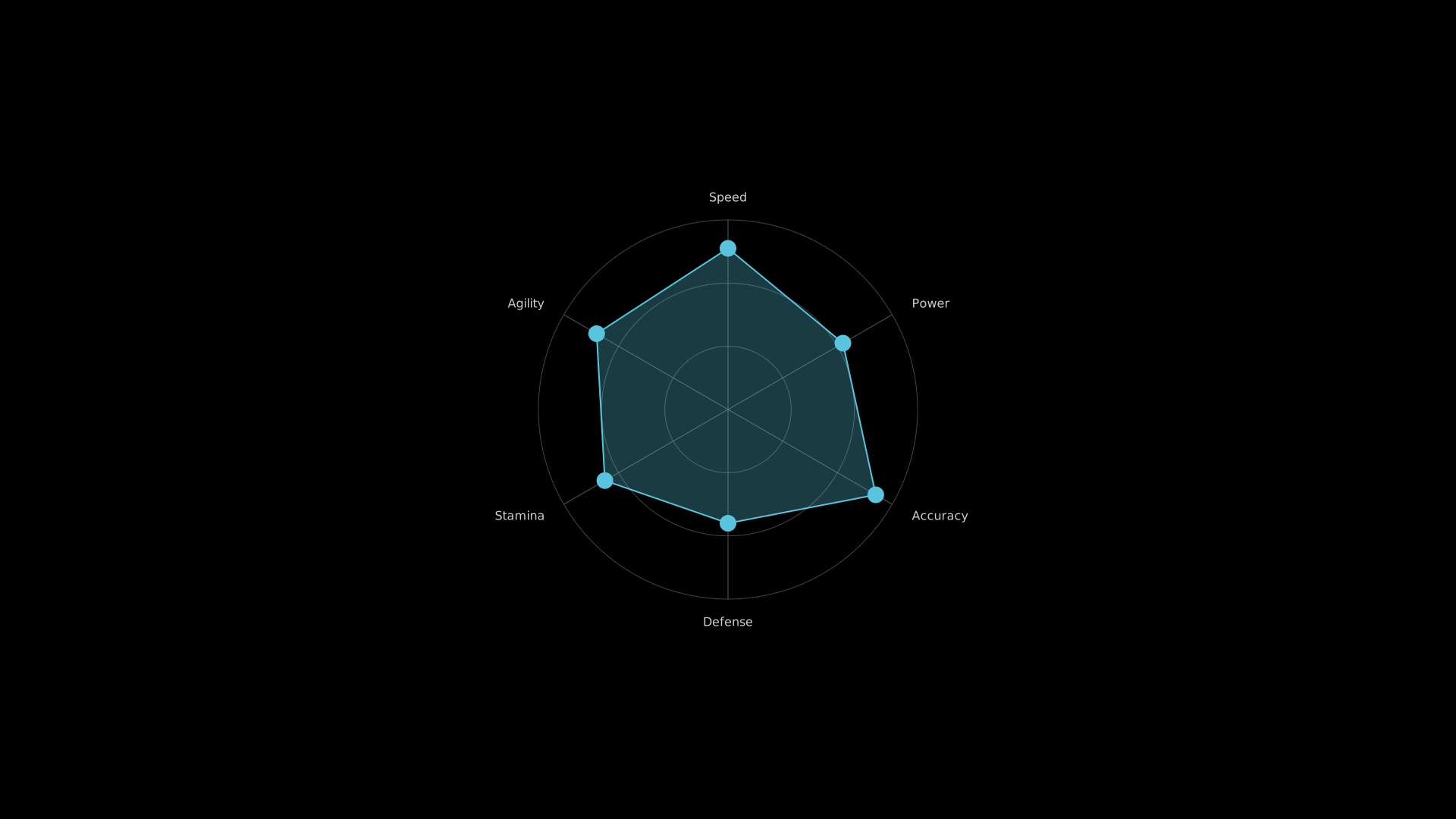
"""RadarChart with sample data."""
from vectormation.objects import *

v = VectorMathAnim()
v.set_background()

chart = RadarChart(
    values=[85, 70, 90, 60, 75, 80],
    labels=['Speed', 'Power', 'Accuracy', 'Defense', 'Stamina', 'Agility'],
    max_val=100,
    colors=['#58C4DD'],
)

v.add(chart)

v.show(end=0)
PolarAxes
- class PolarAxes(cx=960, cy=540, max_radius=400, r_range=(0, 5), n_rings=5, n_sectors=12, creation=0, z=0)
Polar coordinate system with concentric rings and angular gridlines.
- Parameters:
max_radius (float) – Outer radius in pixels.
r_range (tuple) –
(min, max)radial data range.n_rings (int) – Number of concentric rings.
n_sectors (int) – Number of angular sector lines.
- polar_to_point(r, theta_deg)
Convert polar
(r, theta)to SVG pixel coordinates.
- plot_polar(func, theta_range=(0, 360), num_points=200, creation=0, z=0, **styling)
Plot
r = func(theta_deg)as a polyline on these axes. Returns theLinesobject.
Legend
- class Legend(items, x=100, y=100, swatch_size=16, spacing=8, font_size=16, direction='down', creation=0, z=0)
Chart legend with colored swatches and text labels.
- Parameters:
items (list) – List of
(color, label)tuples.direction (str) –
'down'for vertical,'right'for horizontal.
ProgressBar
- class ProgressBar(width=400, height=30, x=760, y=520, bg_color='#333', fill_color='#58C4DD', corner_radius=6, creation=0, z=0)
Animated progress bar that fills from left to right.
- set_progress(value, start=0, end=None, easing=smooth)
Set progress (0 to 1). Animates if end is given.
- animate_to(value, start=0, end=1, easing=smooth)
Animate progress to a target value (0–1).
- get_progress(time=0)
Return the current progress value (0–1) at the given time.
Example: ProgressBar
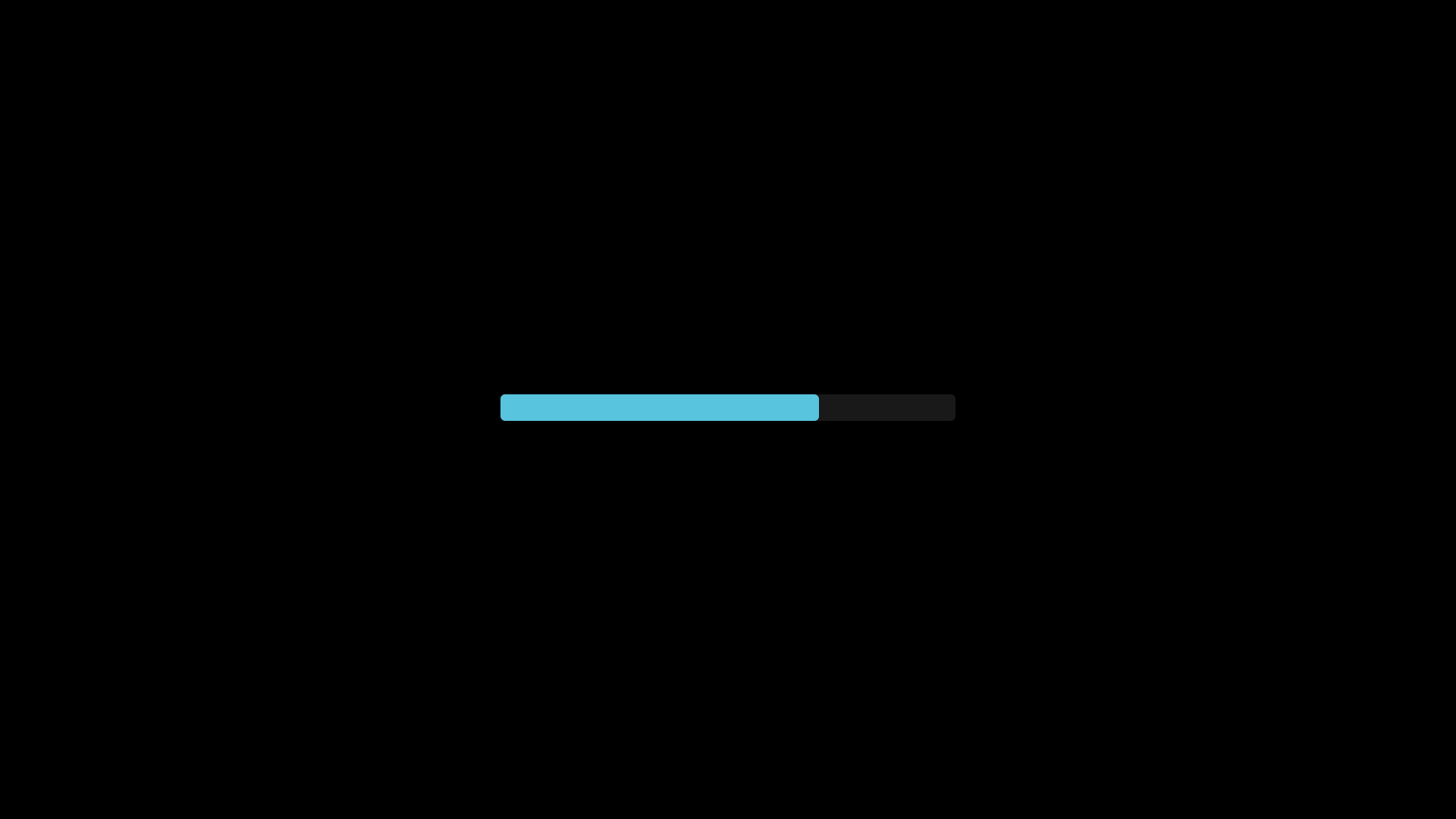
"""ProgressBar at 70% fill."""
from vectormation.objects import *

v = VectorMathAnim()
v.set_background()

bar = ProgressBar(width=600, height=35, x=660, y=520, fill_color='#58C4DD')
bar.set_progress(0.7)

v.add(bar)

v.show(end=0)
SampleSpace
- class SampleSpace(width=500, height=400, x=710, y=340, creation=0, z=0, **styling)
Rectangle representing a probability sample space, divisible into regions.
- divide_horizontally(proportion, colors=('#58C4DD', '#FC6255'), labels=None, creation=0, z=0)
Split the space left/right by proportion (0–1).
- divide_vertically(proportion, colors=('#58C4DD', '#FC6255'), labels=None, creation=0, z=0)
Split the space top/bottom by proportion (0–1).
Example: SampleSpace
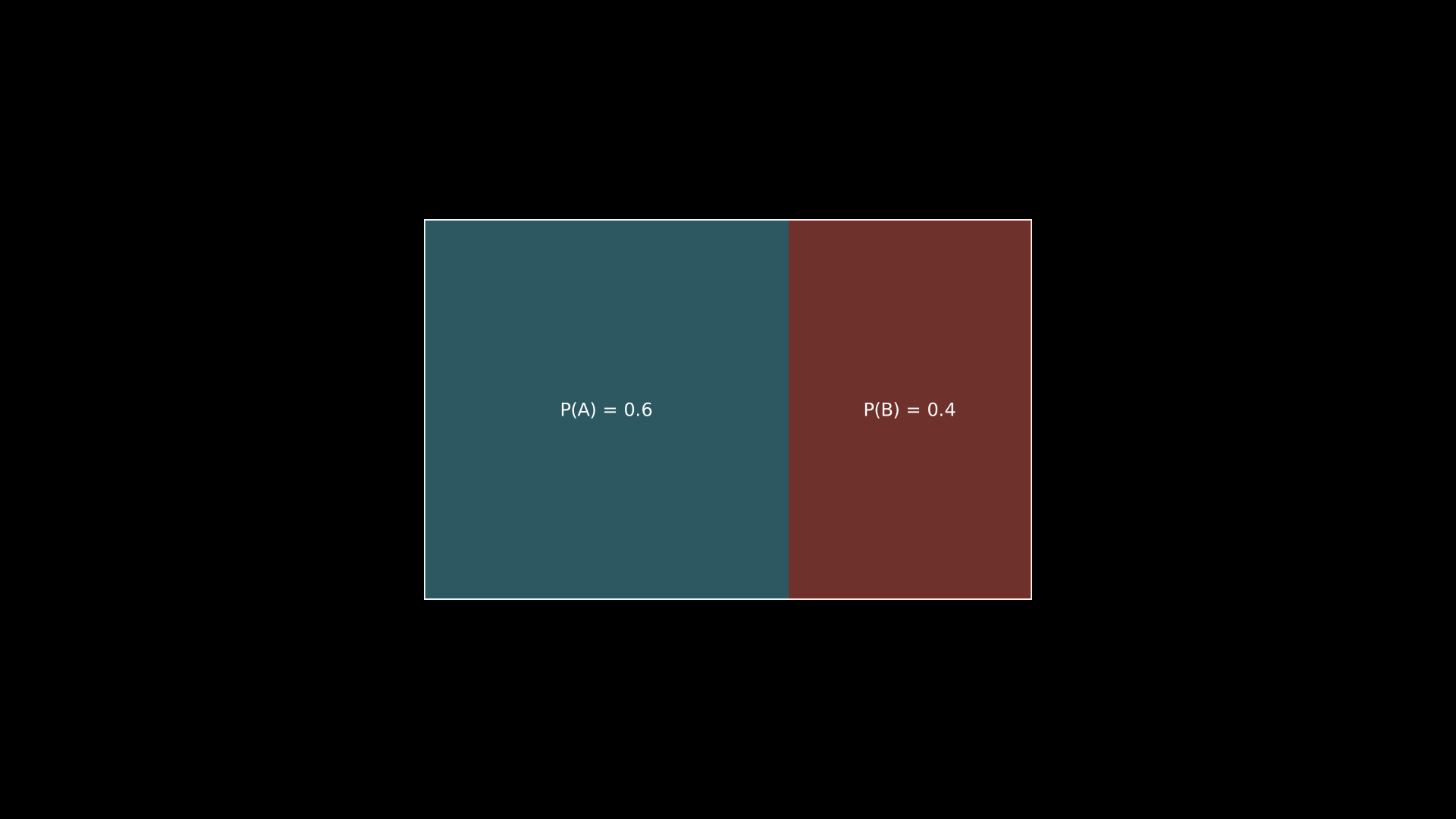
"""SampleSpace with horizontal division."""
from vectormation.objects import *

v = VectorMathAnim()
v.set_background()

space = SampleSpace(width=800, height=500, x=560, y=290)
space.divide_horizontally(0.6, colors=('#58C4DD', '#FC6255'), labels=['P(A) = 0.6', 'P(B) = 0.4'])

v.add(space)

v.show(end=0)
WaterfallChart
- class WaterfallChart(values, labels=None, x=200, y=100, width=800, height=400, bar_width=0.7, pos_color='#83C167', neg_color='#FF6B6B', total_color='#58C4DD', connector_color='#666', font_size=16, show_total=True, creation=0, z=0)
Waterfall chart showing the cumulative effect of positive and negative values. Each bar starts where the previous one ended, with dashed connectors between them.
- Parameters:
values (list) – Incremental values (positive or negative).
labels (list) – Bar labels.
show_total (bool) – Append a total bar at the end.
- classmethod from_dict(data, **kwargs)
Create a
WaterfallChartfrom a{label: value}dictionary.
Example: WaterfallChart
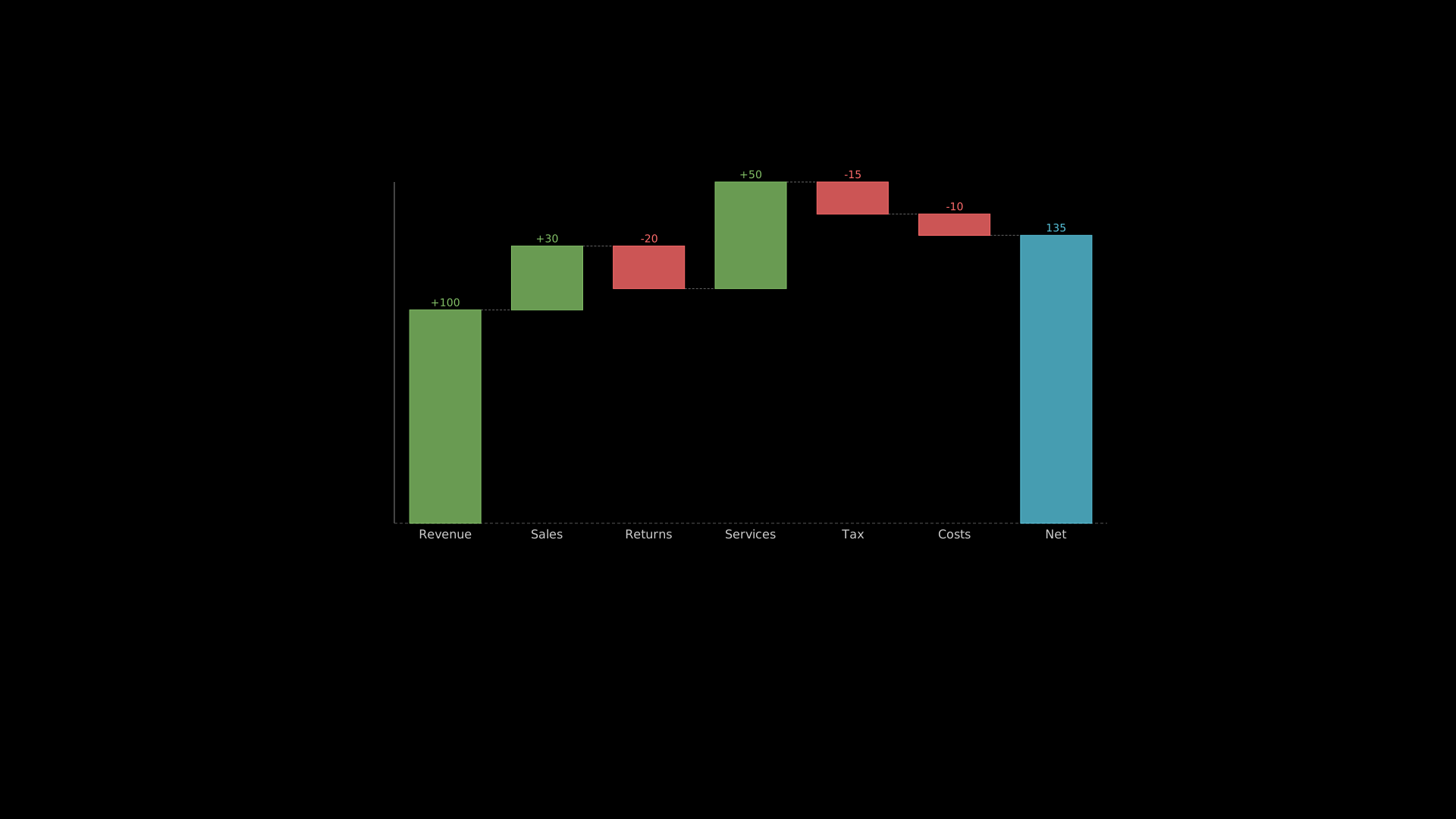
"""WaterfallChart showing cumulative values."""
from vectormation.objects import *

v = VectorMathAnim()
v.set_background()

chart = WaterfallChart(
    values=[100, 30, -20, 50, -15, -10],
    labels=['Revenue', 'Sales', 'Returns', 'Services', 'Tax', 'Costs', 'Net'],
    x=460, y=240, width=1000, height=500,
)

v.add(chart)

v.show(end=0)
GanttChart
- class GanttChart(tasks, x=100, y=80, width=1200, bar_height=30, bar_spacing=10, colors=None, font_size=16, creation=0, z=0)
Gantt chart for project timelines.
- Parameters:
tasks (list) – List of
(label, start, end)or(label, start, end, color)tuples.bar_height (float) – Height of each task bar.
Example: GanttChart
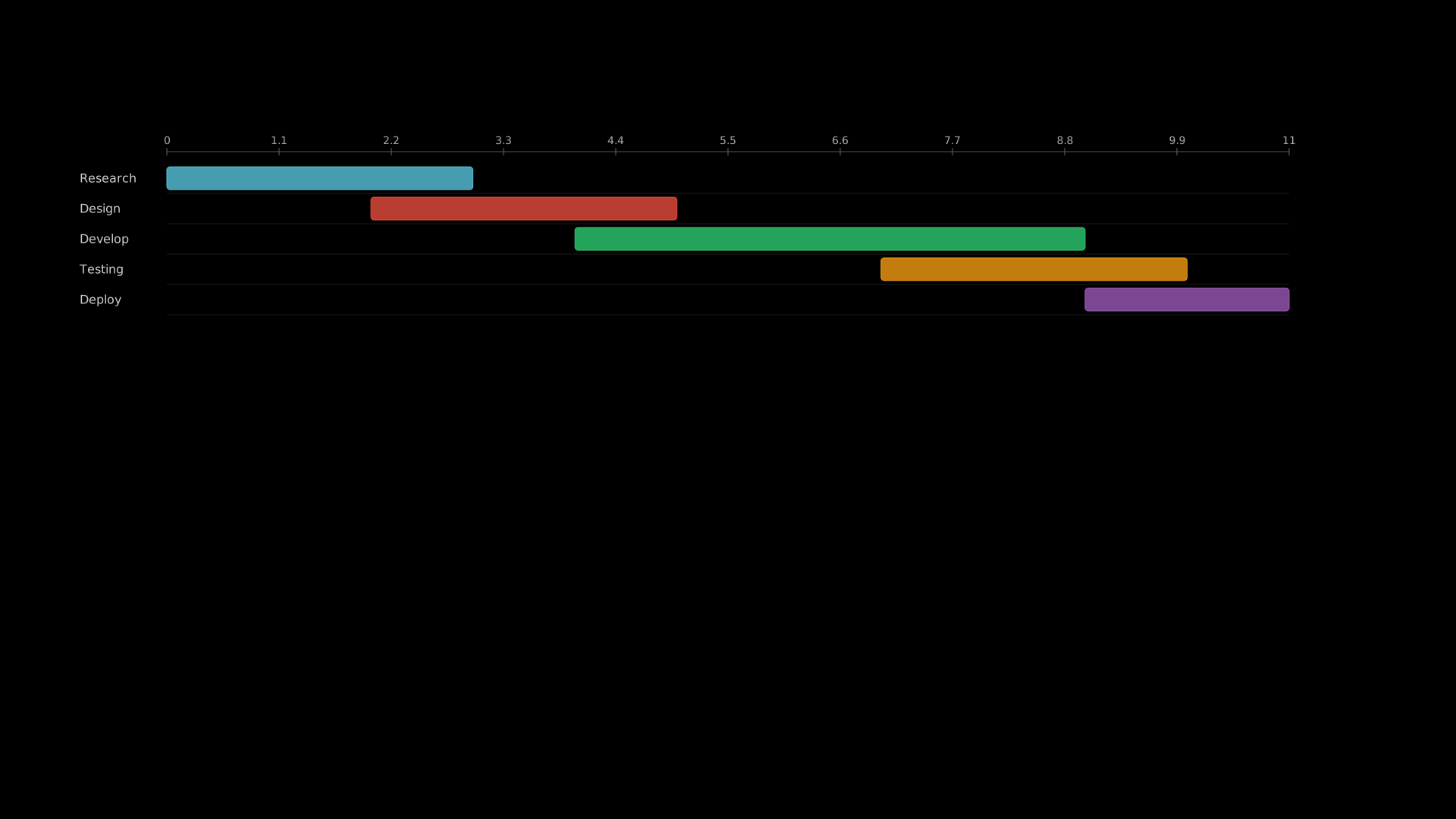
"""GanttChart for project timelines."""
from vectormation.objects import *

v = VectorMathAnim()
v.set_background()

chart = GanttChart(
    tasks=[
        ('Research', 0, 3, '#58C4DD'),
        ('Design', 2, 5, '#E74C3C'),
        ('Develop', 4, 9, '#2ECC71'),
        ('Testing', 7, 10, '#F39C12'),
        ('Deploy', 9, 11, '#9B59B6'),
    ],
    x=100, y=200, width=1600,
)

v.add(chart)

v.show(end=0)
SankeyDiagram
- class SankeyDiagram(flows, x=100, y=100, width=1200, height=600, node_width=30, node_spacing=20, colors=None, font_size=16, creation=0, z=0)
Sankey flow diagram showing weighted flows between source and target nodes connected by curved bands.
- Parameters:
flows (list) – List of
(source, target, value)tuples.node_width (float) – Width of the node rectangles.
Example: SankeyDiagram
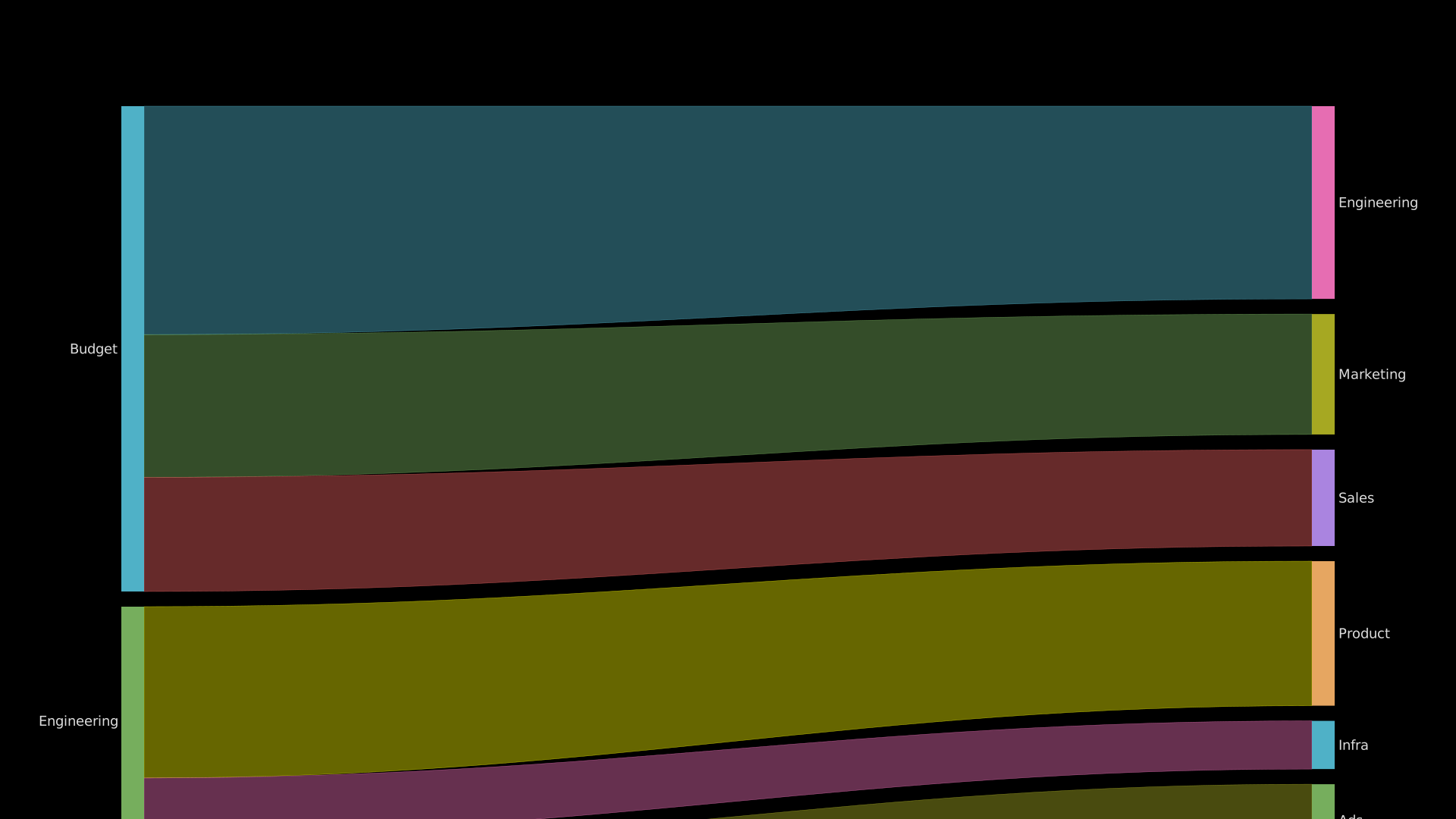
"""SankeyDiagram flow visualization."""
from vectormation.objects import *

v = VectorMathAnim()
v.set_background()

chart = SankeyDiagram(
    flows=[
        ('Budget', 'Engineering', 400),
        ('Budget', 'Marketing', 250),
        ('Budget', 'Sales', 200),
        ('Engineering', 'Product', 300),
        ('Engineering', 'Infra', 100),
        ('Marketing', 'Ads', 150),
        ('Marketing', 'Content', 100),
        ('Sales', 'Direct', 120),
        ('Sales', 'Partners', 80),
    ],
    x=160, y=140, width=1600, height=700,
    font_size=18,
)

v.add(chart)

v.show(end=0)
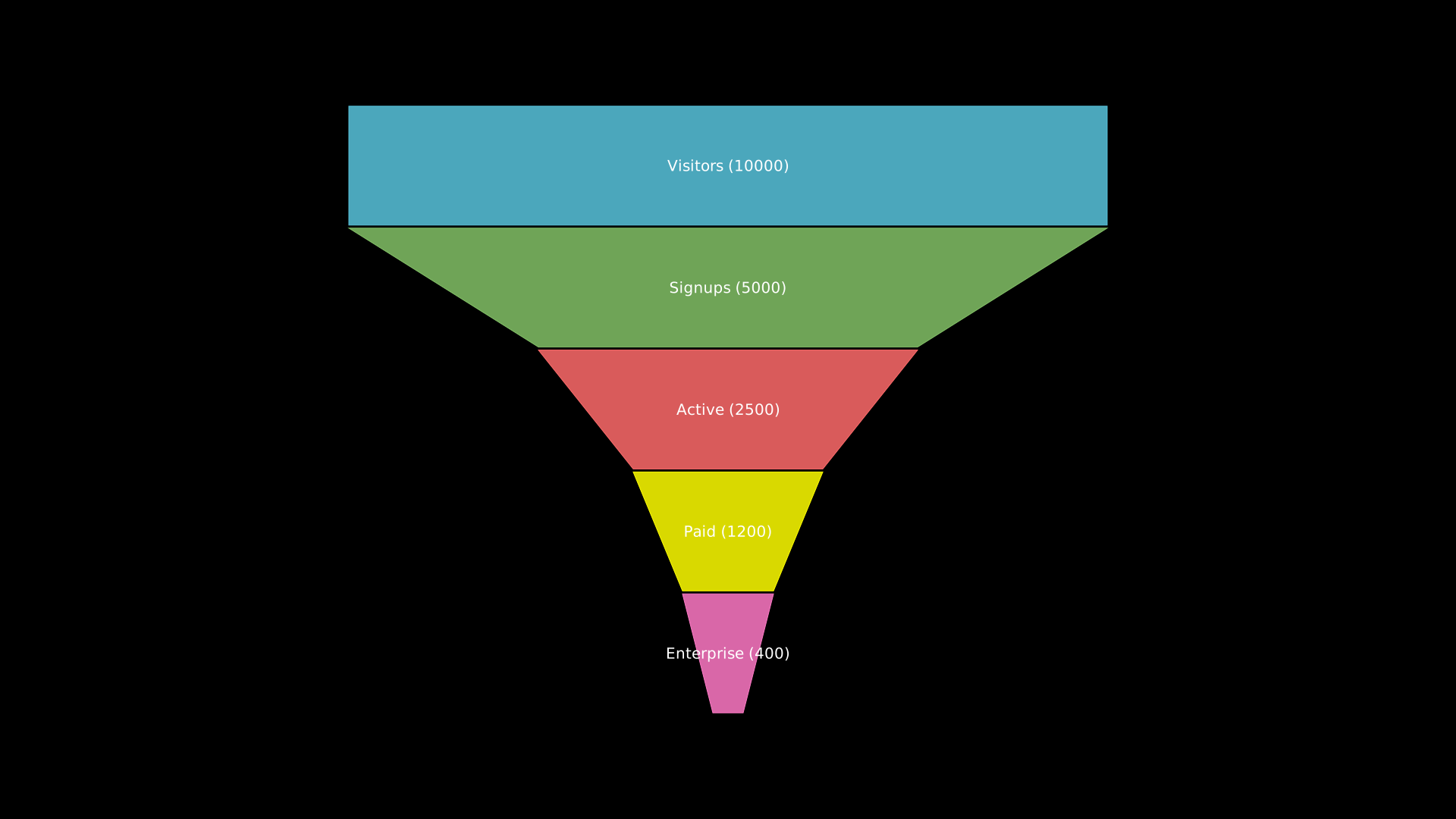
FunnelChart
- class FunnelChart(stages, x=100, y=100, width=600, height=500, colors=None, font_size=18, gap=4, creation=0, z=0)
Funnel chart showing progressive narrowing stages.
- Parameters:
stages (list) – List of
(label, value)tuples, from widest to narrowest.gap (float) – Vertical gap between trapezoids.
Example: FunnelChart
"""FunnelChart showing conversion stages."""
from vectormation.objects import *

v = VectorMathAnim()
v.set_background()

chart = FunnelChart(
    stages=[
        ('Visitors', 10000),
        ('Signups', 5000),
        ('Active', 2500),
        ('Paid', 1200),
        ('Enterprise', 400),
    ],
    x=460, y=140, width=1000, height=800,
    font_size=20,
)

v.add(chart)

v.show(end=0)
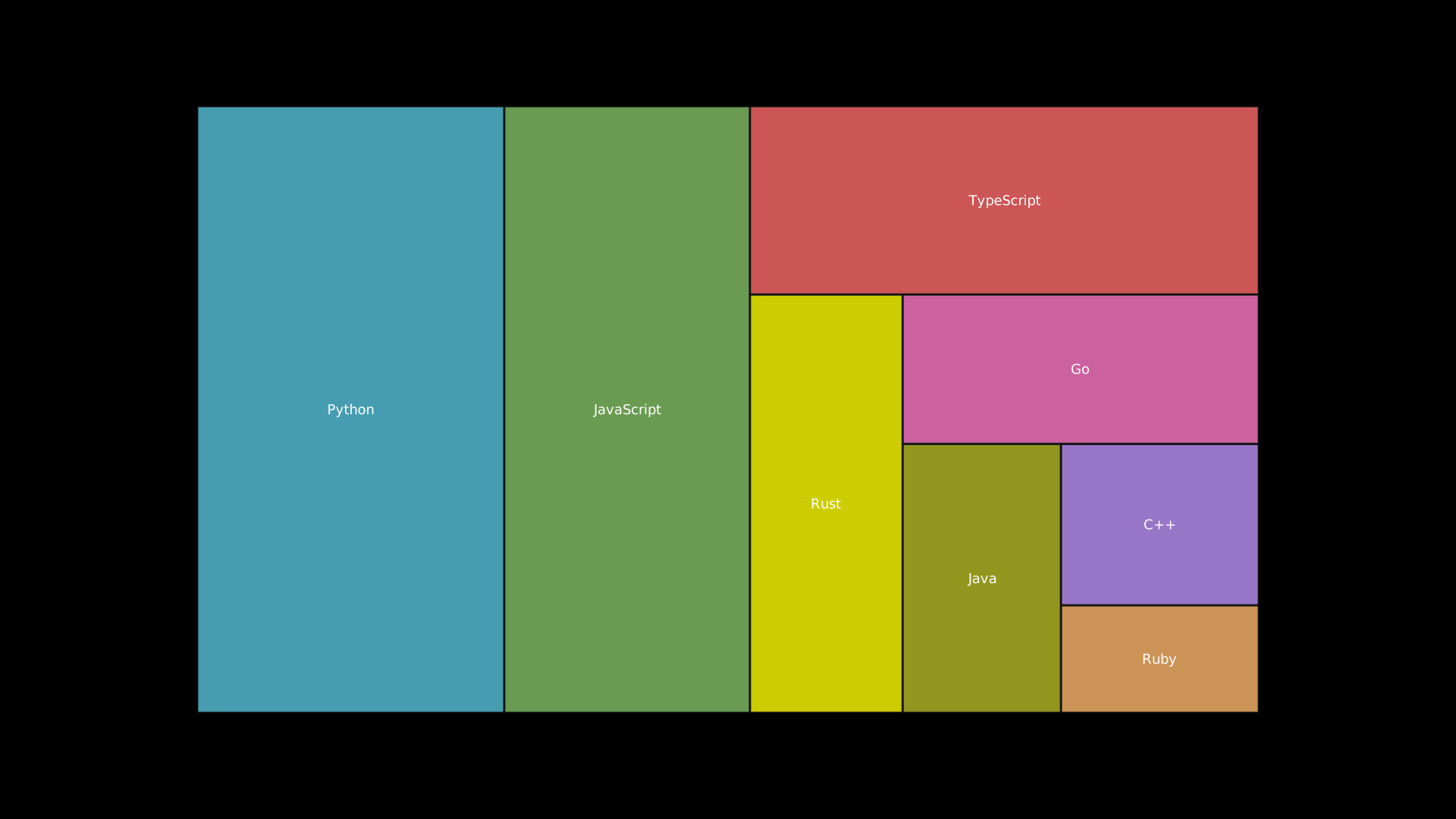
TreeMap
- class TreeMap(data, x=100, y=100, width=800, height=600, colors=None, font_size=14, padding=2, creation=0, z=0)
Treemap visualization using a squarified layout.
- Parameters:
data (list) – List of
(label, value)tuples.padding (float) – Gap between cells.
Example: TreeMap
"""TreeMap visualization of category sizes."""
from vectormation.objects import *

v = VectorMathAnim()
v.set_background()

chart = TreeMap(
    data=[
        ('Python', 35),
        ('JavaScript', 28),
        ('TypeScript', 18),
        ('Rust', 12),
        ('Go', 10),
        ('Java', 8),
        ('C++', 6),
        ('Ruby', 4),
    ],
    x=260, y=140, width=1400, height=800,
    font_size=18,
)

v.add(chart)

v.show(end=0)
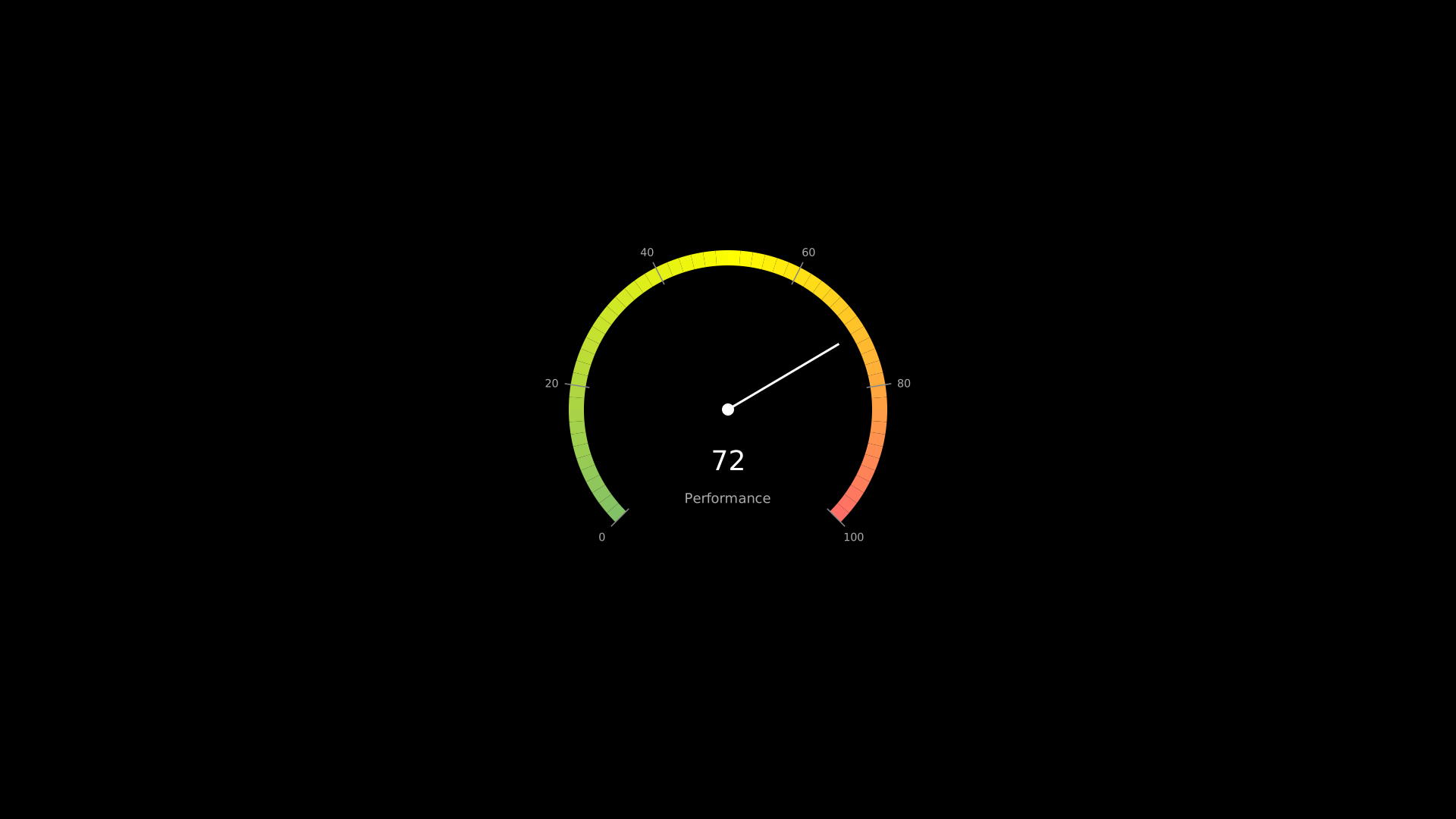
GaugeChart
- class GaugeChart(value, min_val=0, max_val=100, x=960, y=540, radius=200, start_angle=225, end_angle=-45, colors=None, label=None, font_size=36, tick_count=5, creation=0, z=0)
Speedometer-style gauge chart with a needle, colored arc bands, and tick marks.
- Parameters:
value (float) – Current gauge value.
min_val (float) – Minimum scale value.
max_val (float) – Maximum scale value.
colors (list) – Color stops as
[(hex_color, position), ...]where position is 0–1.label (str) – Optional label below the value.
Example: GaugeChart
"""GaugeChart speedometer display."""
from vectormation.objects import *

v = VectorMathAnim()
v.set_background()

chart = GaugeChart(
    value=72,
    min_val=0,
    max_val=100,
    label='Performance',
)

v.add(chart)

v.show(end=0)
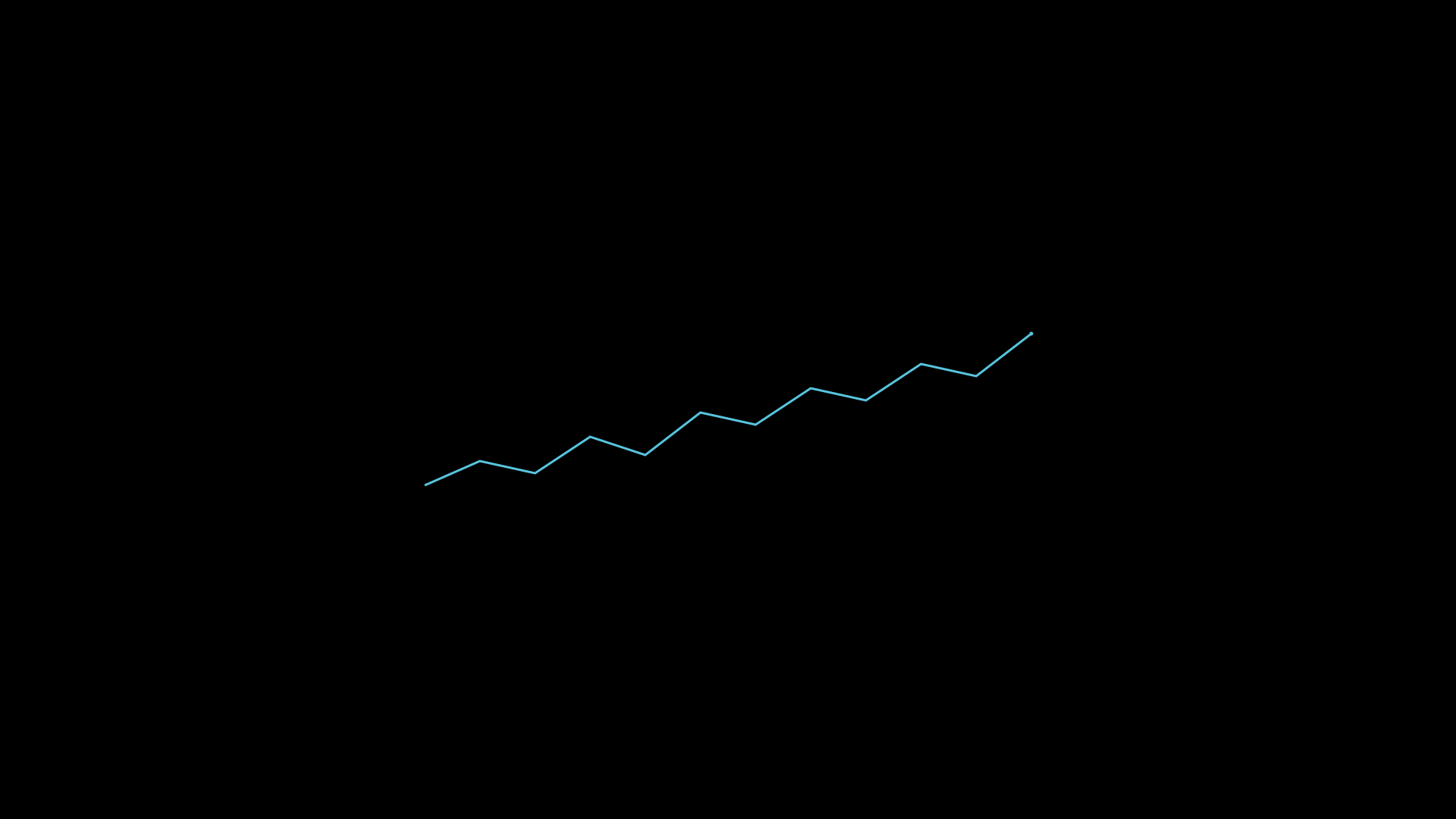
SparkLine
- class SparkLine(data, x=100, y=100, width=120, height=30, stroke='#58C4DD', stroke_width=1.5, show_endpoint=False, creation=0, z=0)
Bases:
VObjectMinimal inline sparkline chart rendered as a single SVG path.
- Parameters:
data (list) – Numeric data points.
show_endpoint (bool) – Draw a dot at the last data point.
Example: SparkLine
"""SparkLine inline chart."""
from vectormation.objects import *

v = VectorMathAnim()
v.set_background()

spark = SparkLine(
    data=[10, 14, 12, 18, 15, 22, 20, 26, 24, 30, 28, 35],
    x=560, y=440, width=800, height=200,
    stroke='#58C4DD', stroke_width=3, show_endpoint=True,
)

v.add(spark)

v.show(end=0)
KPICard
- class KPICard(title, value, subtitle=None, trend_data=None, x=100, y=100, width=280, height=160, bg_color='#1a1a2e', title_color='#aaa', value_color='#fff', font_size=48, creation=0, z=0)
Metric card showing a title, large value, optional subtitle, and an embedded trend sparkline.
- Parameters:
title (str) – Card header text.
value – Main displayed value.
subtitle (str) – Optional secondary text.
trend_data (list) – Data points for the embedded
SparkLine.
Example: KPI card with sparkline
card = KPICard('Revenue', '$1.2M',
               subtitle='+12% MoM',
               trend_data=[10, 12, 11, 14, 13, 16])
Example: KPICard
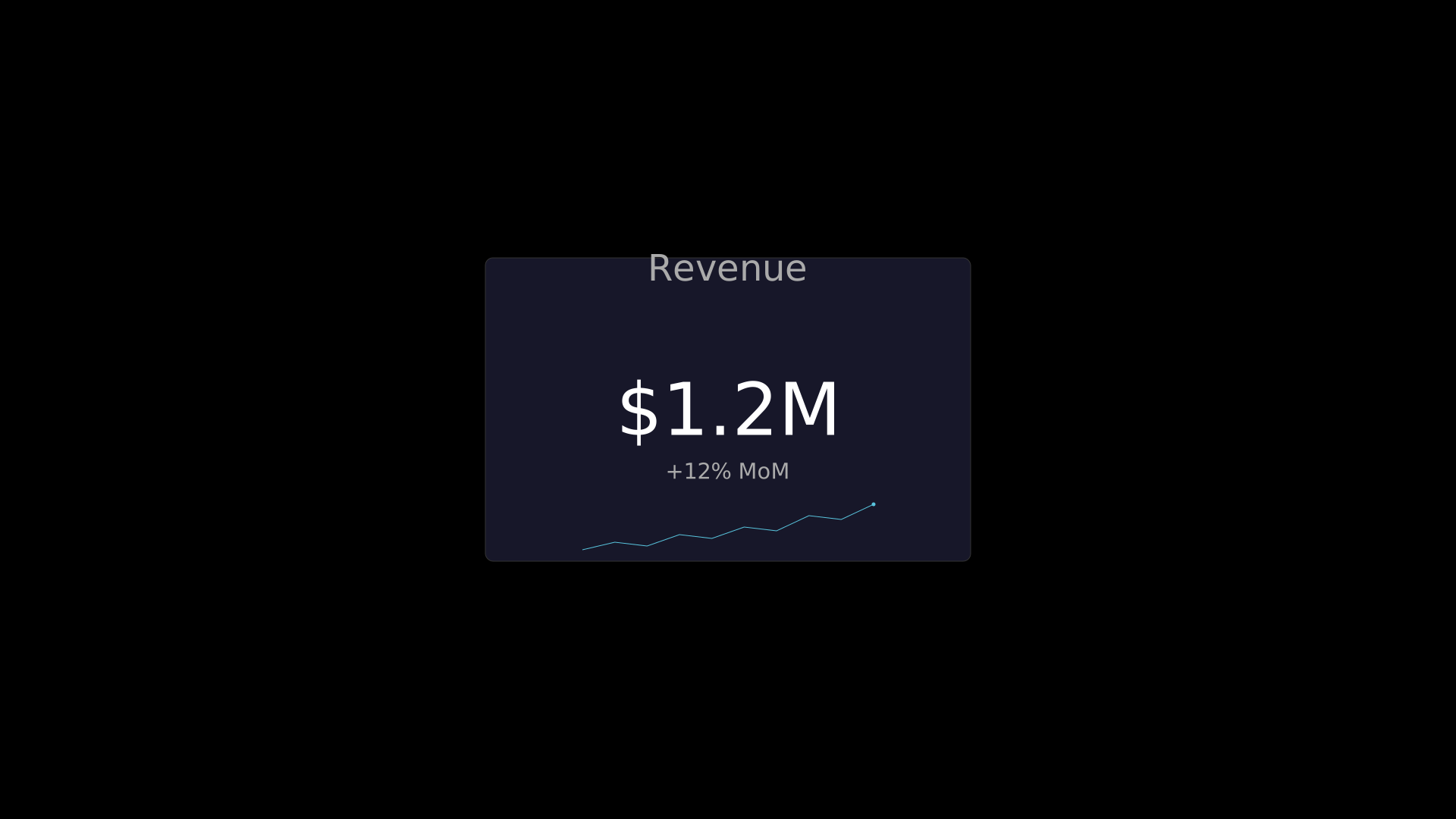
"""KPICard metric display."""
from vectormation.objects import *

v = VectorMathAnim()
v.set_background()

card = KPICard(
    'Revenue', '$1.2M',
    subtitle='+12% MoM',
    trend_data=[10, 12, 11, 14, 13, 16, 15, 19, 18, 22],
    x=640, y=340, width=640, height=400,
    font_size=96,
)

v.add(card)

v.show(end=0)
BulletChart
- class BulletChart(actual, target, ranges=None, label=None, x=100, y=100, width=500, height=40, bar_color='#333', target_color='#fff', font_size=16, max_val=None, creation=0, z=0)
Bullet chart: qualitative background ranges, an actual-value bar, and a target marker line.
- Parameters:
actual (float) – Actual measured value.
target (float) – Target value (shown as a vertical line).
ranges (list) –
[(threshold, color), ...]background bands.label (str) – Label text to the left.
Example: BulletChart
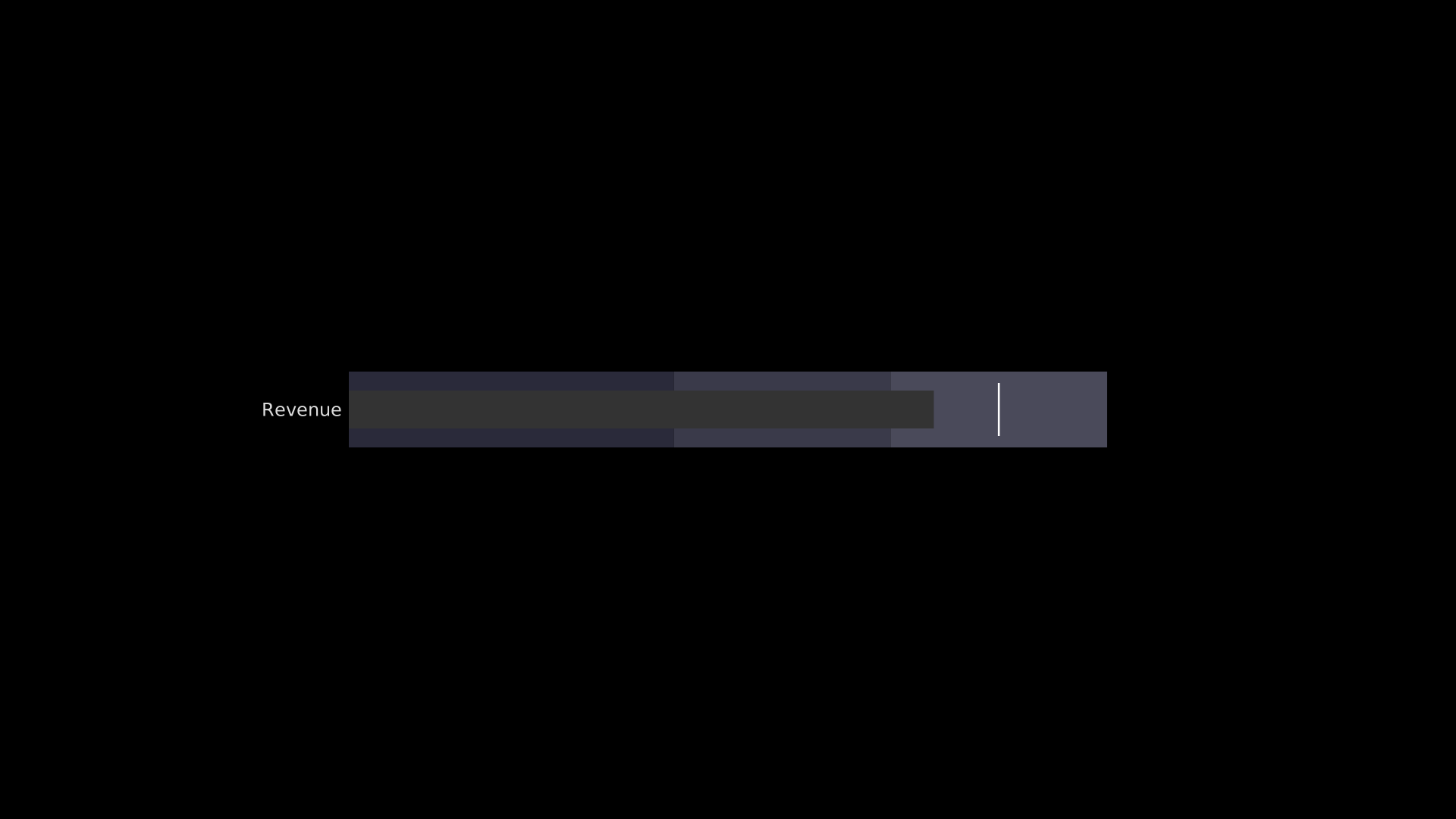
"""BulletChart comparing actual vs target."""
from vectormation.objects import *

v = VectorMathAnim()
v.set_background()

chart = BulletChart(
    actual=270,
    target=300,
    ranges=[(150, '#2a2a3a'), (250, '#3a3a4a'), (350, '#4a4a5a')],
    label='Revenue',
    x=460, y=490, width=1000, height=100,
    font_size=24,
    max_val=350,
)

v.add(chart)

v.show(end=0)
CalendarHeatmap
- class CalendarHeatmap(data, rows=7, cols=52, x=100, y=100, cell_size=14, gap=2, colormap=None, creation=0, z=0)
Grid heatmap similar to a GitHub contribution graph.
- Parameters:
data – A
dictmapping(row, col)to values, or a flat iterable.colormap (list) – List of color strings from low to high.
Example: CalendarHeatmap

"""CalendarHeatmap contribution-style grid."""
import random
from vectormation.objects import *

v = VectorMathAnim()
v.set_background()

random.seed(42)
data = {(r, c): random.randint(0, 10) for r in range(7) for c in range(52)}

chart = CalendarHeatmap(
    data=data,
    rows=7, cols=52,
    x=120, y=300, cell_size=28, gap=4,
)

v.add(chart)

v.show(end=0)
WaffleChart
- class WaffleChart(categories, x=100, y=100, grid_size=10, cell_size=20, gap=3, font_size=14, creation=0, z=0)
Waffle chart: a grid of colored squares showing category proportions, with an auto-generated legend.
- Parameters:
categories (list) – List of
(label, value, color)tuples.grid_size (int) – Number of cells per row/column.
Example: WaffleChart
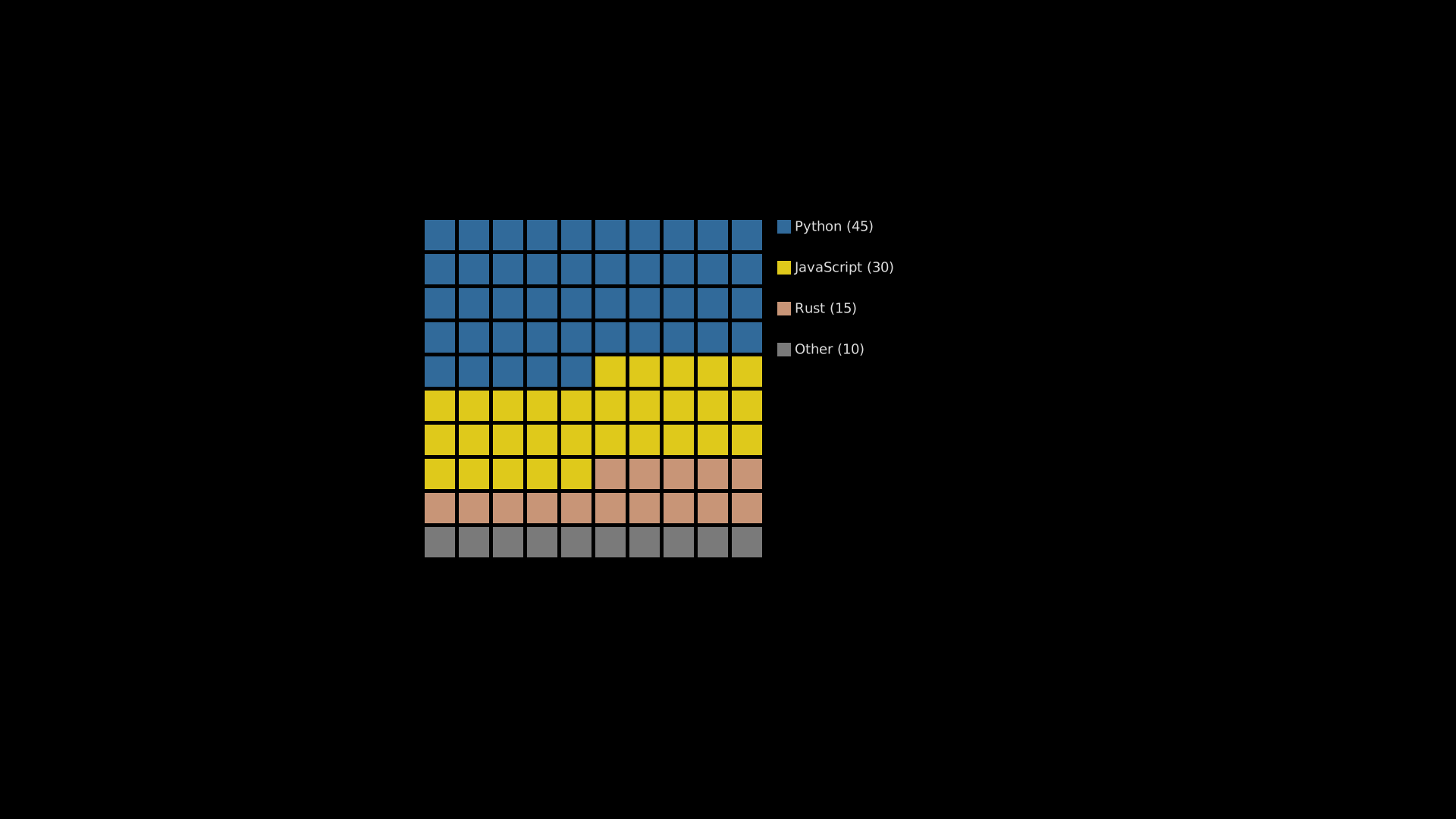
"""WaffleChart showing category proportions."""
from vectormation.objects import *

v = VectorMathAnim()
v.set_background()

chart = WaffleChart(
    categories=[
        ('Python', 45, '#3776AB'),
        ('JavaScript', 30, '#F7DF1E'),
        ('Rust', 15, '#DEA584'),
        ('Other', 10, '#888888'),
    ],
    x=560, y=290, grid_size=10, cell_size=40, gap=5,
    font_size=18,
)

v.add(chart)

v.show(end=0)
CircularProgressBar
- class CircularProgressBar(value, x=960, y=540, radius=80, stroke_width=12, track_color='#2a2a3a', bar_color='#58C4DD', font_size=36, show_text=True, creation=0, z=0)
Circular (ring) progress indicator with percentage text in the center.
- Parameters:
value (float) – Progress percentage (0–100).
show_text (bool) – Display the percentage as text.
Example: CircularProgressBar
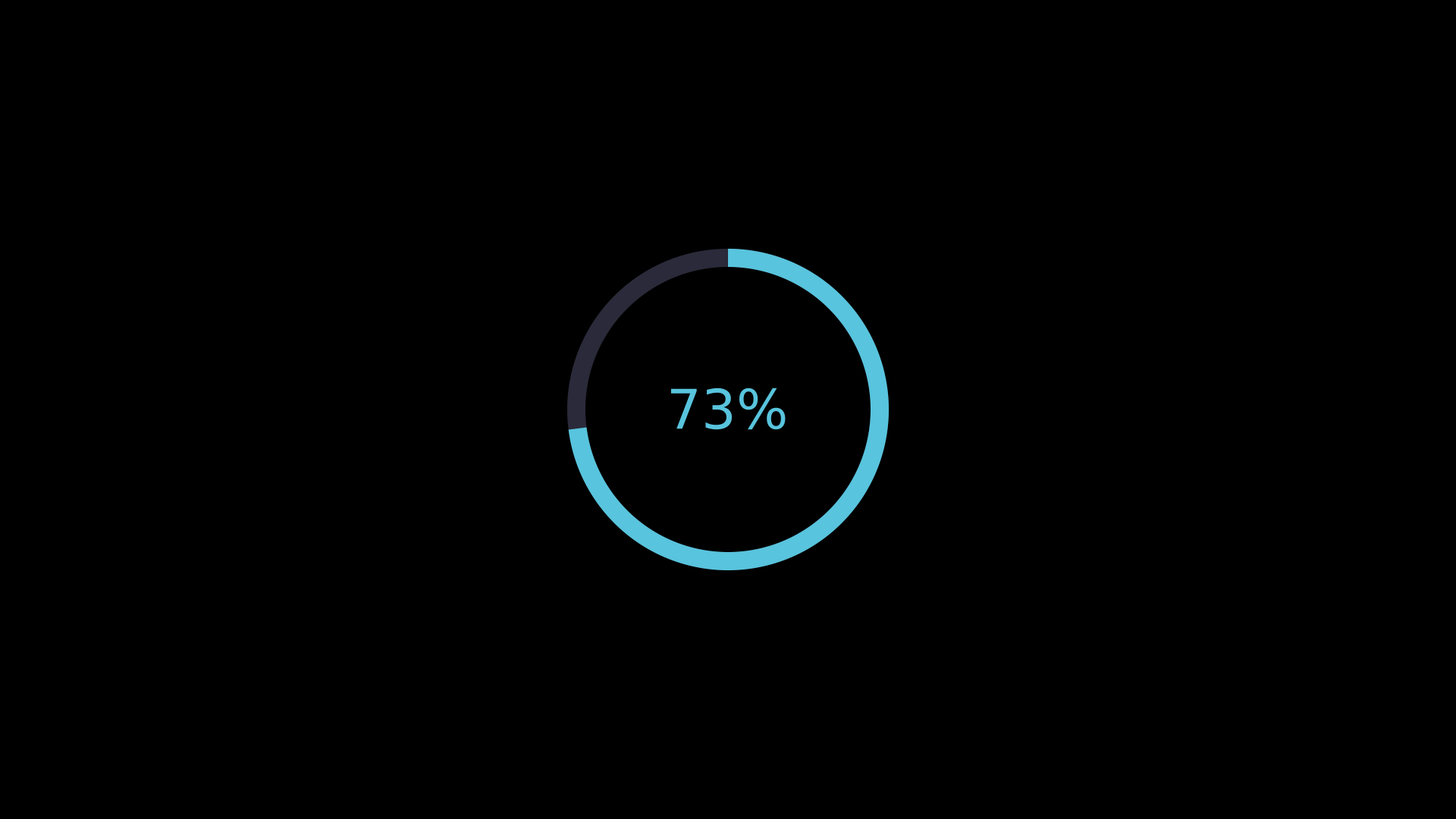
"""CircularProgressBar indicator."""
from vectormation.objects import *

v = VectorMathAnim()
v.set_background()

chart = CircularProgressBar(
    value=73,
    radius=200,
    stroke_width=24,
    font_size=72,
)

v.add(chart)

v.show(end=0)
Scoreboard
- class Scoreboard(entries, x=100, y=100, col_width=200, row_height=60, bg_color='#1a1a2e', label_color='#aaa', value_color='#fff', font_size=28, cols=None, creation=0, z=0)
Score/metric display panel arranged in a grid layout.
- Parameters:
entries (list) – List of
(label, value)tuples.cols (int) – Number of columns (defaults to
min(len(entries), 4)).
Example: Scoreboard
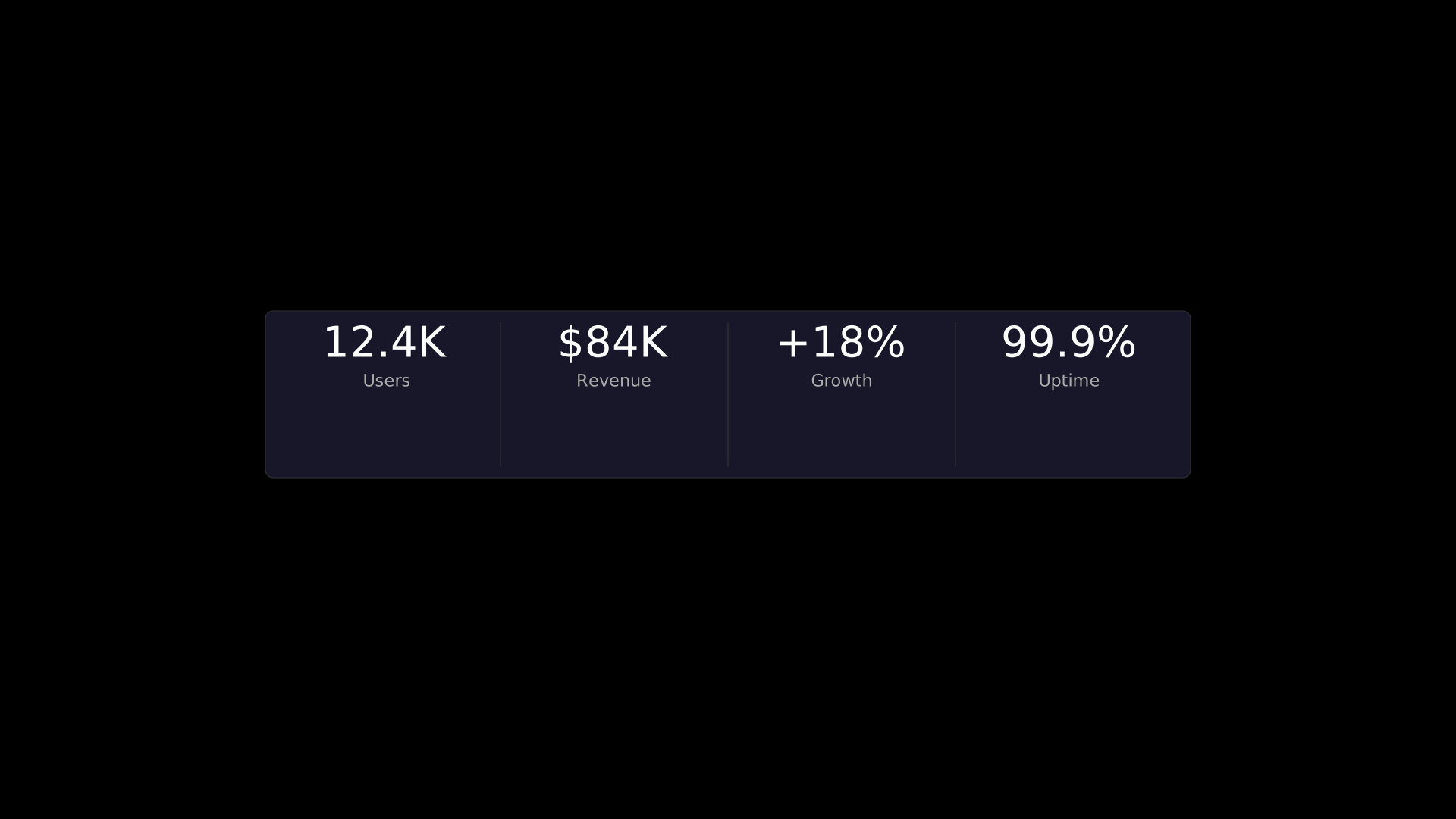
"""Scoreboard metric panel."""
from vectormation.objects import *

v = VectorMathAnim()
v.set_background()

chart = Scoreboard(
    entries=[
        ('Users', '12.4K'),
        ('Revenue', '$84K'),
        ('Growth', '+18%'),
        ('Uptime', '99.9%'),
    ],
    x=360, y=420, col_width=300, row_height=200,
    font_size=56,
)

v.add(chart)

v.show(end=0)
MatrixHeatmap
- class MatrixHeatmap(data, row_labels=None, col_labels=None, x=100, y=100, cell_size=50, gap=2, colormap=None, font_size=14, show_values=True, creation=0, z=0)
Labeled matrix heatmap with colored cells.
- Parameters:
data (list) – 2D list of numeric values (list of rows).
row_labels (list) – Labels for each row.
col_labels (list) – Labels for each column.
colormap (list) – Color scale from low to high.
show_values (bool) – Display cell values as text.
Example: MatrixHeatmap
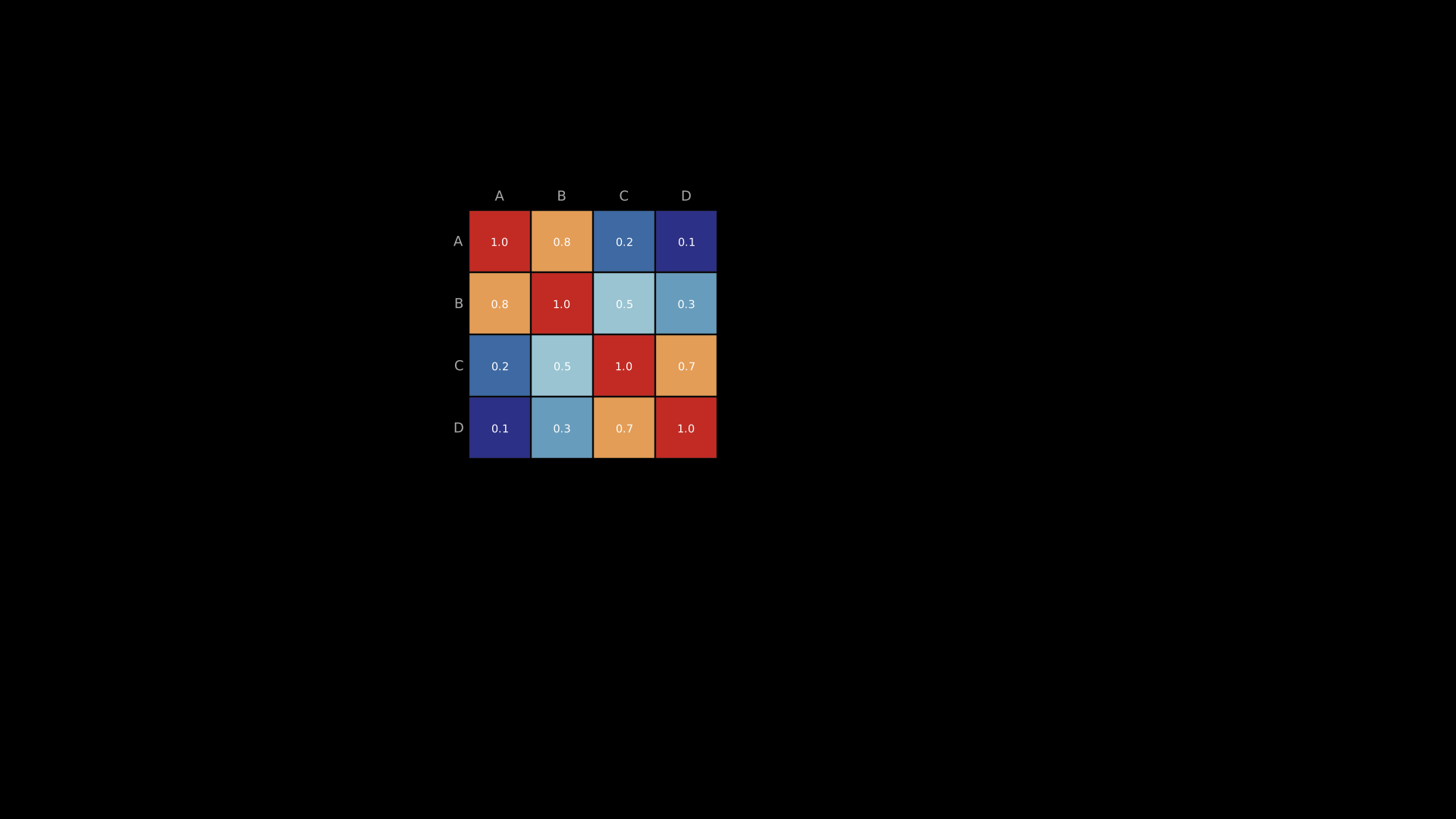
"""MatrixHeatmap with labeled rows and columns."""
from vectormation.objects import *

v = VectorMathAnim()
v.set_background()

chart = MatrixHeatmap(
    data=[
        [1.0, 0.8, 0.2, 0.1],
        [0.8, 1.0, 0.5, 0.3],
        [0.2, 0.5, 1.0, 0.7],
        [0.1, 0.3, 0.7, 1.0],
    ],
    row_labels=['A', 'B', 'C', 'D'],
    col_labels=['A', 'B', 'C', 'D'],
    x=600, y=250, cell_size=80, font_size=18,
)

v.add(chart)

v.show(end=0)
BoxPlot
- class BoxPlot(data_groups, positions=None, x=100, y=100, plot_width=400, plot_height=300, box_width=30, box_color='#58C4DD', whisker_color='#aaa', median_color='#FF6B6B', font_size=12, creation=0, z=0)
Box-and-whisker plot for one or more data groups. Computes quartiles, median, and whiskers automatically.
- Parameters:
data_groups (list) – List of lists, each containing numeric data for one group.
positions (list) – X-axis positions for each group (defaults to 1, 2, 3, …).
Example: BoxPlot
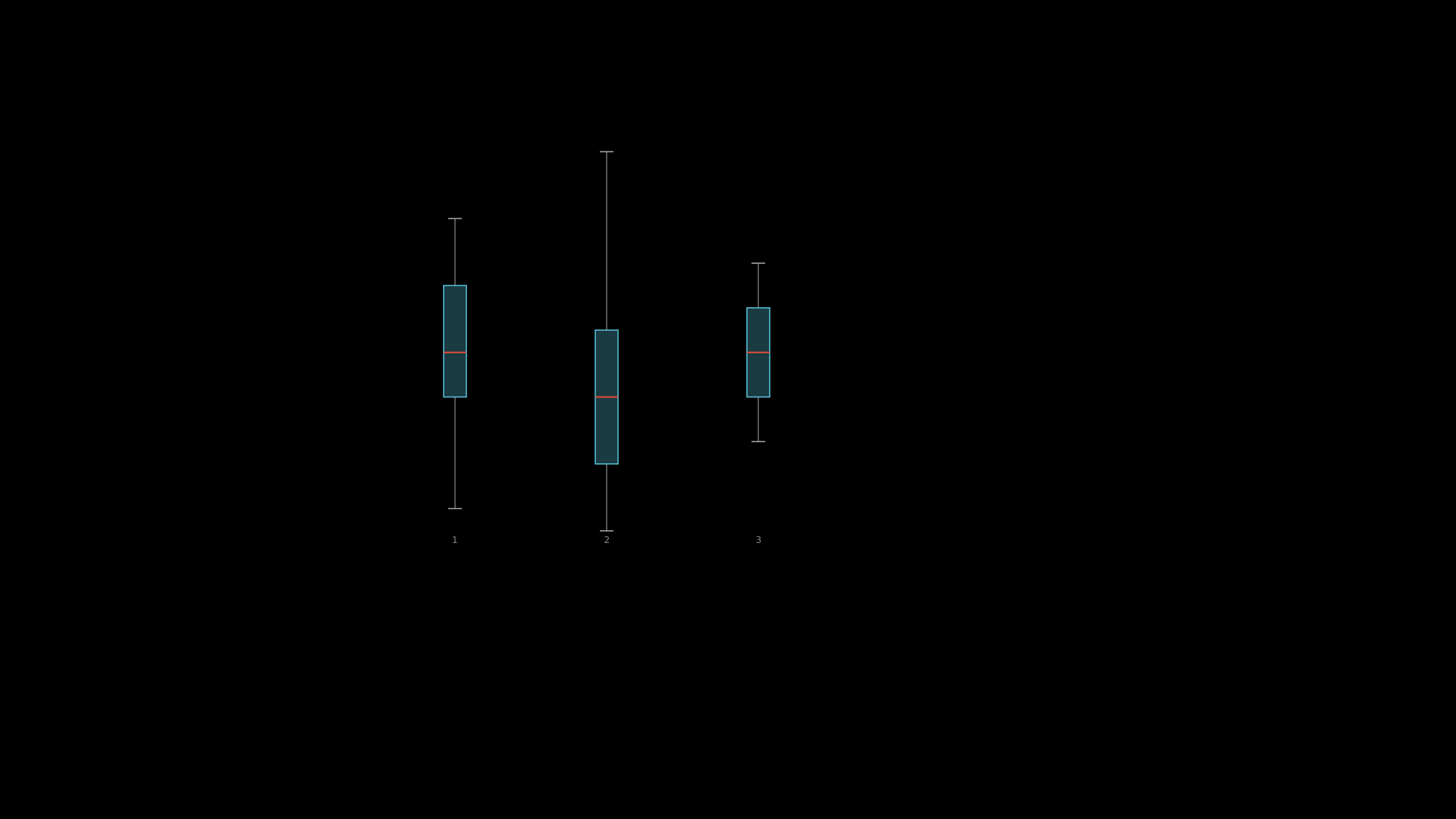
"""BoxPlot with multiple data groups."""
from vectormation.objects import *

v = VectorMathAnim()
v.set_background()

chart = BoxPlot(
    data_groups=[
        [2, 5, 7, 8, 9, 10, 12, 14, 15],
        [1, 3, 4, 6, 7, 8, 10, 11, 18],
        [5, 6, 7, 8, 9, 10, 11, 12, 13],
    ],
    x=500, y=200, plot_width=600, plot_height=500,
    box_color='#58C4DD', median_color='#E74C3C',
)

v.add(chart)

v.show(end=0)